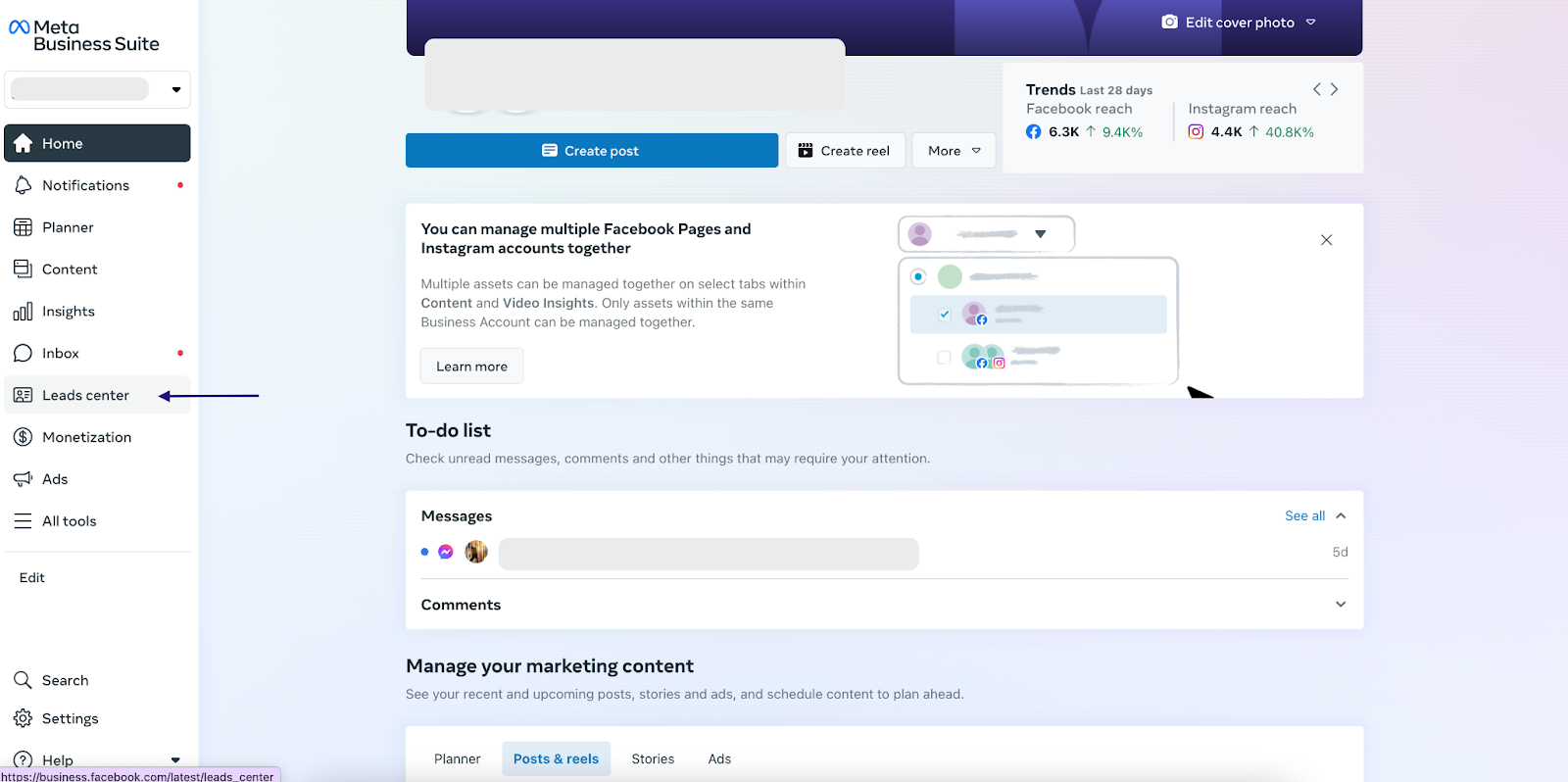
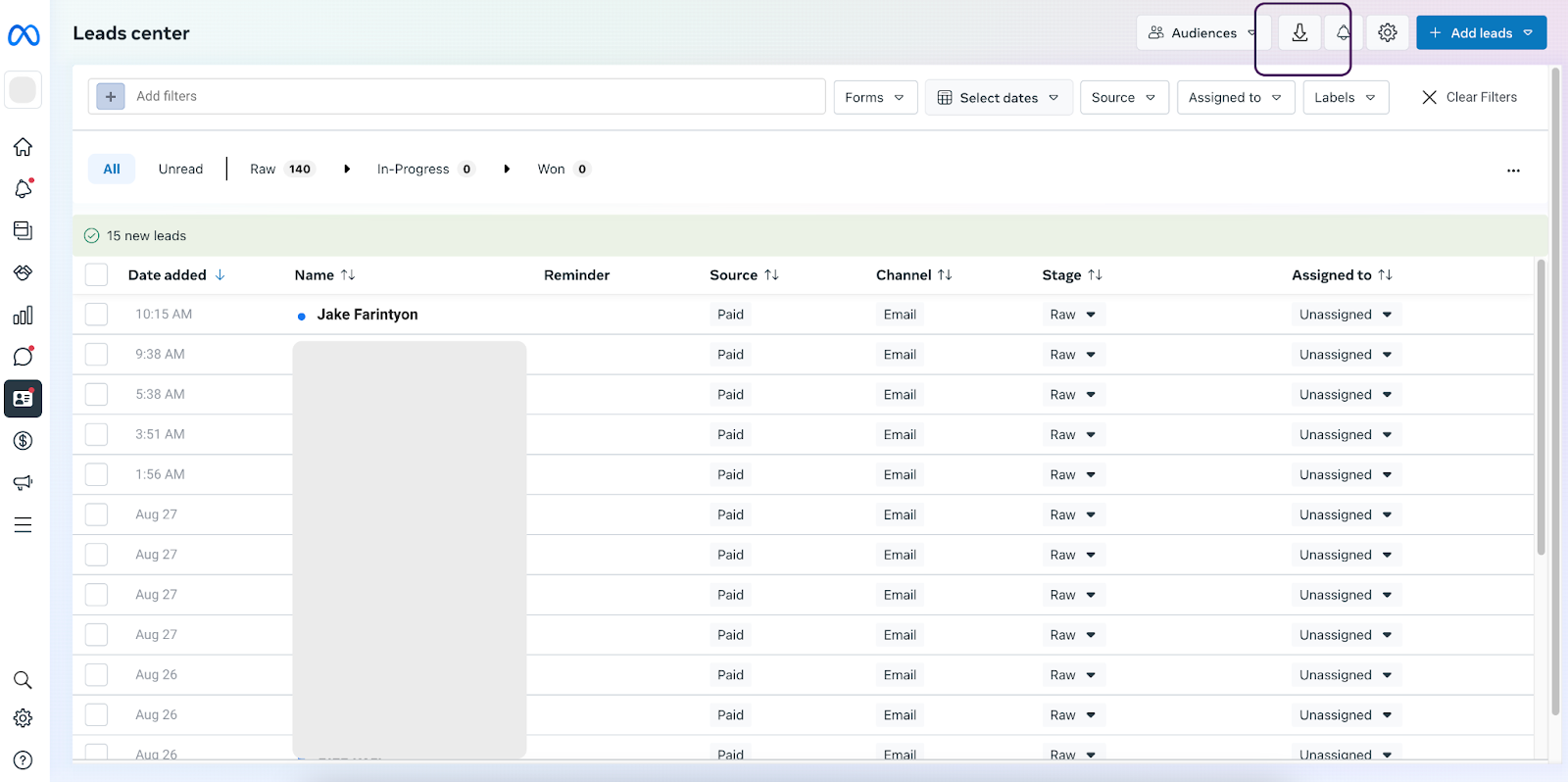
How to view and download submitted in-platform form leads? Lead Access and Facebook page access are required. Log in to https://business.facebook.com/ Click on “Leads Center” on the left menu bar. Make sure you are under the right account/page Click on each lead to view the information or download the bulk to an Excel file.
![DentalMarketing-Logo2-White copy-1.png]](https://grow.dentalmarketing.com/hs-fs/hubfs/DentalMarketing-Logo2-White%20copy-1.png?height=40&name=DentalMarketing-Logo2-White%20copy-1.png)